> For the complete documentation index, see [llms.txt](https://dev.buitenlandloket.nl/helpcentrum/llms.txt). Markdown versions of documentation pages are available by appending `.md` to page URLs; this page is available as [Markdown](https://dev.buitenlandloket.nl/helpcentrum/dashlets/editor.md).
# Introduction
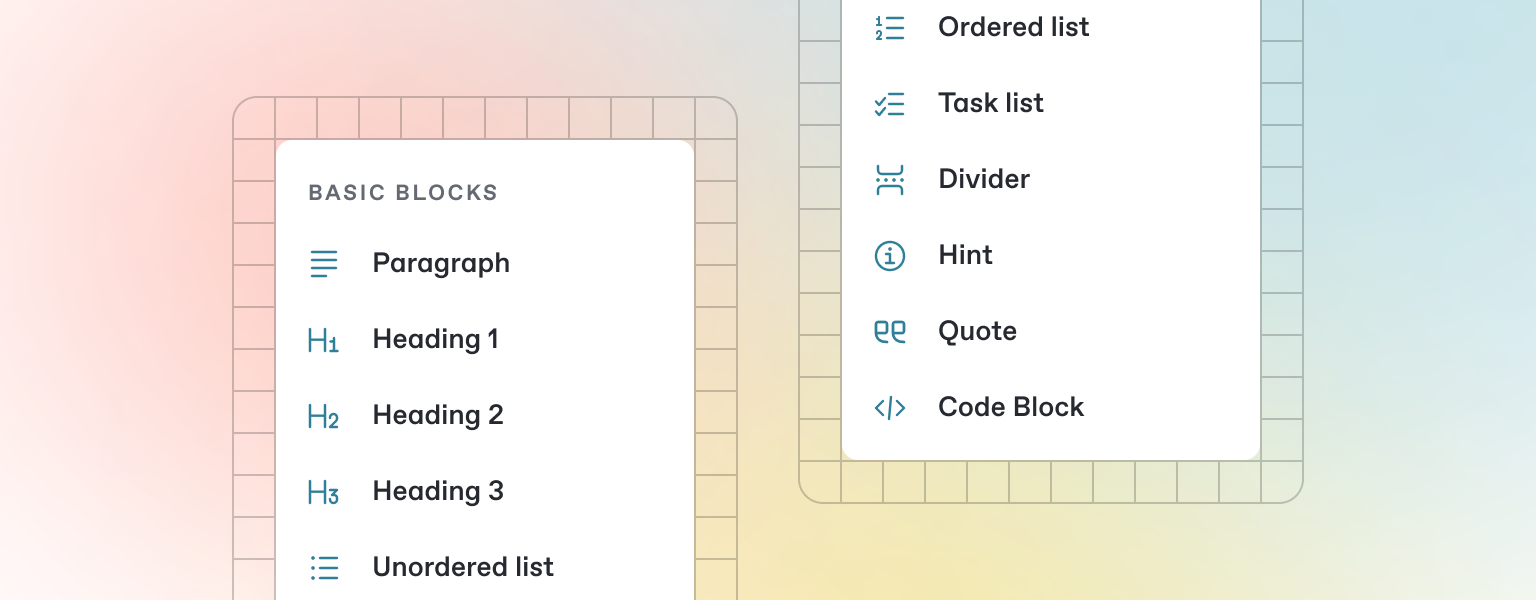
GitBook has a powerful block-based editor that allows you to seamlessly create, update, and enhance your content.
### What are Dashlets?
Dashlets are small, interactive mini-apps inside the Buitenland Loket app that extend its functionality.
They allow partners to offer their own services, tools, or content directly to users — all within the app environment.
With Dashlets, you can create custom experiences that fit seamlessly into Buitenland Loket.
Whether it’s booking an appointment with a consulate, checking local health services, online shopping, reading news from home, or connecting with trusted professionals, there’s a Dashlet for that.
### How to create a new Dashlet
{% stepper %}
{% step %}
### Go to Mijn Buitenland Loket
{% endstep %}
{% step %}
### Click on "Daslets" in the side bar .
{% endstep %}
{% step %}
### Create your first Dashlet
Click on "Create New Dashlet" in the top right corner.
{% endstep %}
{% endstepper %}
### Why Dashlets Matter
Dashlets help connect Dutch citizens abroad with the right information and services — faster and smarter. They combine the convenience of an app feature with the flexibility of a web tool, giving both partners and users a better experience.
If your organization provides services, information, or tools, Dashlets are the perfect way to reach our users, right where they are.
### Dashlet Badges
To help you promote your presence in Buitenland Loket, we’ve created official Dashlet Badges that you can place on your website, newsletters, or other marketing materials.
These badges highlight that your service is available in Buitenland Loket, and when users click them, they’re taken directly to your Dashlet in the Dashlet Store.
Using a badge not only builds visibility but also creates trust. showing users that your organization is part of the official Buitenland Loket network.
[**Learn more here**](/helpcentrum/dashlets/openapi.md)
---
# Agent Instructions
This documentation is published with GitBook. GitBook is the documentation platform designed so that both humans and AI agents can read, navigate, and reason over technical content effectively. Learn more at gitbook.com.
## Querying This Documentation
If you need additional information that is not directly available in this page, you can query the documentation dynamically by asking a question.
Perform an HTTP GET request on the current page URL with the `ask` query parameter, and the optional `goal` query parameter:
```
GET https://dev.buitenlandloket.nl/helpcentrum/dashlets/editor.md?ask=&goal=
```
`ask` is the immediate question: it should be specific, self-contained, and written in natural language.
`goal` is optional and describes the broader end goal you are ultimately trying to accomplish on behalf of the user. GitBook uses it to tailor the answer towards what is most useful for that goal.
The response will contain a direct answer to the question and relevant excerpts and sources from the documentation.
Use this mechanism when the answer is not explicitly present in the current page, you need clarification or additional context, or you want to retrieve related documentation sections.